You can understand Computer Vision without treating it as magic or memorizing a long list of terms. Start with one simple mental model, connect each part to an everyday example, and then add the technical details that make the system dependable.
The big idea: Computer vision converts sampled light into numbers, then uses geometry and learned patterns to extract useful information.
A camera captures pixels, not meaning. Lighting, viewpoint and calibration affect every later decision.
Why this matters
A camera produces pixels, not understanding. Computer vision turns those pixels into measurements that software can use to inspect a product, count objects or help a robot navigate.
By the end of this guide, you will be able to:
- Describe an image as a grid of channel values
- Explain a basic vision pipeline
- Distinguish detection, segmentation and tracking
- Connect visual measurements to a safe action
The goal is not only to recognize the words. It is to explain the system, predict what it will do, and design a small test that produces evidence.
1. From light to pixels
The question: What does a camera give the computer?
A lens focuses light onto a sensor. The sensor samples the scene into a grid of pixels. Each pixel stores intensity or colour-channel values. Resolution controls spatial detail, while exposure affects brightness and blur.
Think of it like this: A mosaic represents a scene using many small coloured tiles; step back and the picture appears.
A concrete example
A 640 × 480 image contains 307,200 pixel positions, each with one or more channel values.
The flow: Scene light → Lens and sensor → Pixel grid → Channel values
Try it yourself
- Draw an 8 × 8 pixel icon on squared paper.
- Encode dark and light squares as 0 and 1.
- Explain what detail is lost at low resolution.
Quick check — Does one pixel know which object it belongs to?
No. A pixel only stores measured values; algorithms infer structure from patterns across pixels.
2. Improve and find structure
The question: How can useful shapes emerge from noisy pixels?
Preprocessing can resize, change colour space, smooth noise or improve contrast. Gradients describe rapid intensity change and often reveal edges. Thresholding separates ranges, while morphology can remove small gaps or specks.
Think of it like this: Cleaning a foggy window and tracing strong boundaries makes the important shapes easier to see.
A concrete example
Convert a high-contrast part to grayscale, blur small noise, then find edges before measuring its outline.
The flow: Raw image → Preprocess → Edges or mask → Clean structure
Try it yourself
- Photograph one object on two backgrounds.
- Predict which background gives a cleaner threshold.
- List one lighting change that could break the method.
Quick check — Why blur before some edge detectors?
Smoothing can reduce small noise that would otherwise create false edges.
3. Detect, segment and track
The question: What kind of answer should a vision system produce?
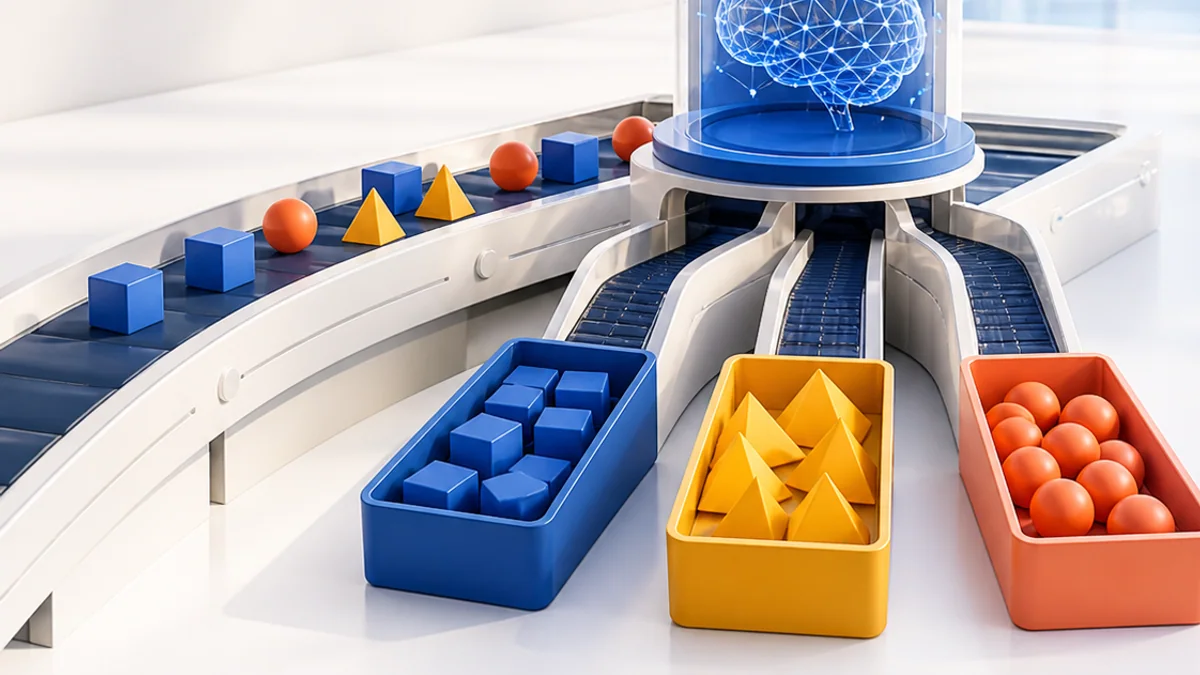
Classification names an entire image. Detection locates objects with boxes or positions. Segmentation labels individual pixels. Tracking follows an object over time. Choose the least complex output that solves the task.
Think of it like this: “There is a ball” is classification; pointing to it is detection; colouring every ball pixel is segmentation; following it is tracking.
A concrete example
A sorting robot may need a contour centre and orientation, not a large general-purpose recognition model.
The flow: Image → Choose task → Locate or label → Track or measure
Try it yourself
- Choose outputs for three tasks: photo album, robot pick-up, football analysis.
- Explain the minimum needed.
- Draw the expected output on one sample image.
Quick check — Which task assigns a class to each relevant pixel?
Segmentation.
4. Vision-guided action
The question: How does a pixel position become a physical movement?
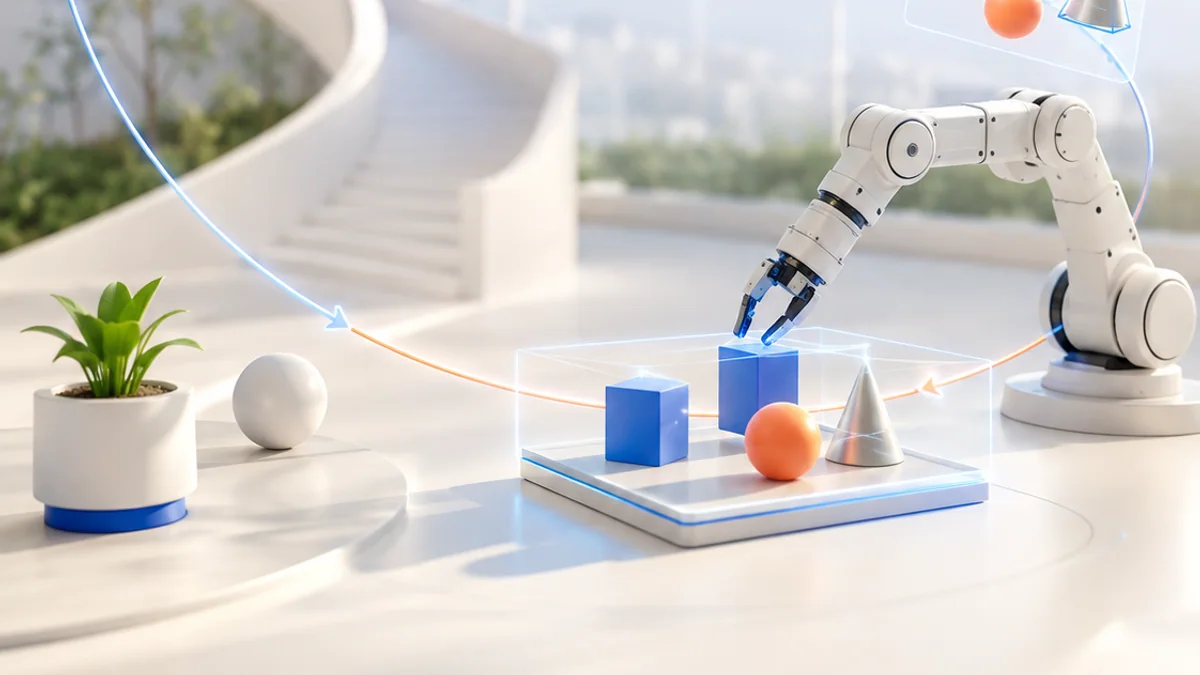
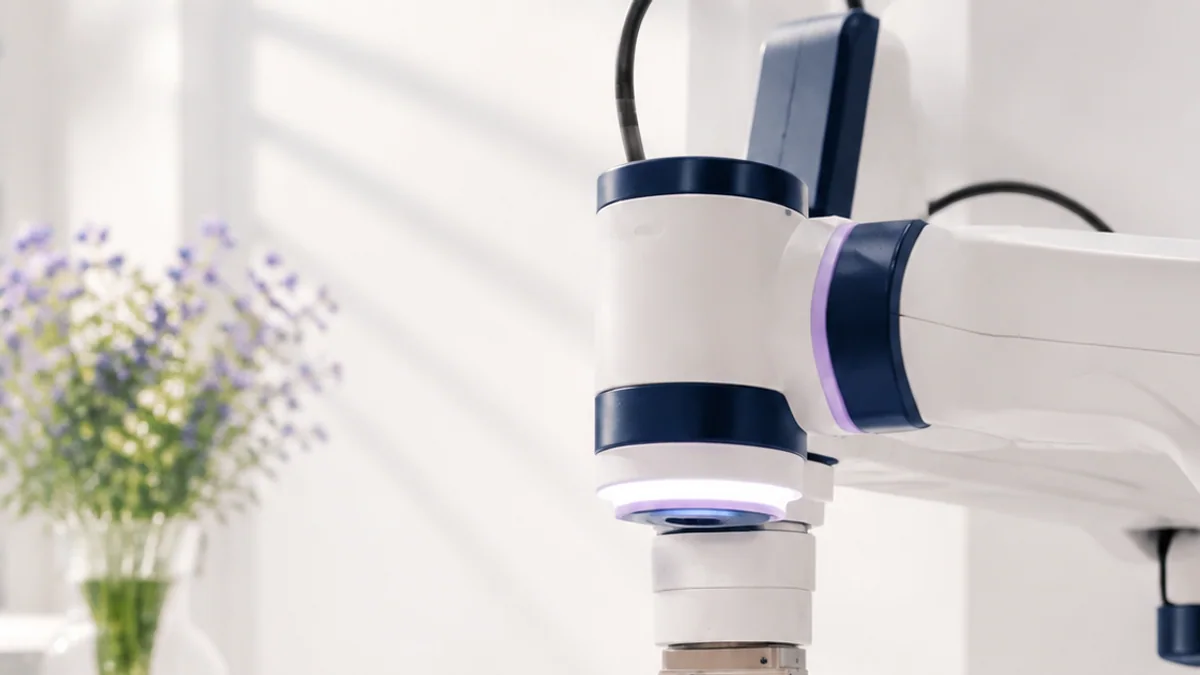
Calibration relates image measurements to camera geometry. A robot also needs coordinate transforms between camera, robot and world frames. Confidence checks, reach limits and a safe stop keep uncertain visual results from causing unsafe motion.
Think of it like this: A map location is useful only when you know the map scale, orientation and your own position.
A concrete example
Find an object centre in pixels, convert it to a table coordinate using calibration, confirm it lies in the safe workspace, then command the gripper.
The flow: Pixel measurement → Calibration → Robot coordinates → Checked action
Try it yourself
- Place a grid beside an object in a photo.
- Estimate scale in pixels per centimetre.
- List two reasons the estimate changes when the camera moves.
Quick check — Why is camera calibration important?
It connects image measurements to camera geometry so positions and sizes can be interpreted accurately.
Put the ideas together: Design a tabletop sorter
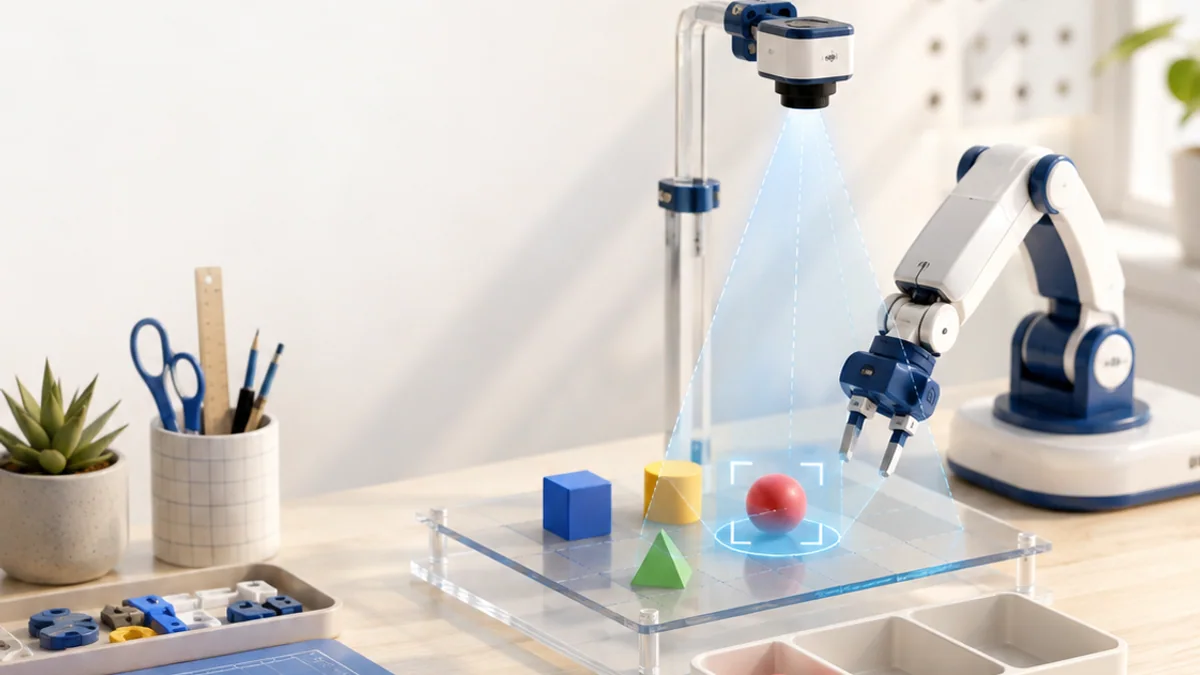
Create a vision plan that locates one coloured shape and tells a robot where it is safe to pick.
Your build plan
- Define camera position and lighting.
- Choose preprocessing and object-location steps.
- Describe pixel-to-table calibration.
- Add confidence, boundary and safe-stop checks.
Evidence to keep
- Pipeline diagram
- Annotated test image
- Calibration plan
- Five varied test scenes
An engineer does not stop at “it worked once.” Keep the diagram, record the conditions, repeat the test, and note what changed between attempts.
Important safety and quality notes
- Use non-sensitive example data while learning and testing.
- Check outputs instead of assuming software or a model is correct.
- Add human review whenever a mistake could affect a person or physical equipment.
The examples in this article are educational models. Check component ratings, manufacturer instructions, local rules and appropriate supervision before using real hardware.
Vocabulary without the jargon wall
| Term | Plain-language meaning |
|---|---|
| Pixel | One sampled position in a digital image. |
| Channel | One component of image data, such as red, green or blue. |
| Threshold | A rule that separates values into groups. |
| Detection | Finding and locating objects. |
| Segmentation | Assigning a label to individual pixels. |
| Calibration | Estimating camera properties that connect images to geometry. |
What to remember
Computer vision converts sampled light into numbers, then uses geometry and learned patterns to extract useful information. The professional habit behind the technology is equally important: define the result, observe the system, measure what happened, and improve one thing at a time.
Continue with the full Computer Vision learning path for the structured sessions, or explore the sources below when you are ready for deeper technical detail.
Sources and further learning
- OpenCV-Python tutorials — OpenCV
- Image processing tutorials — OpenCV
- Camera calibration and 3D reconstruction — OpenCV