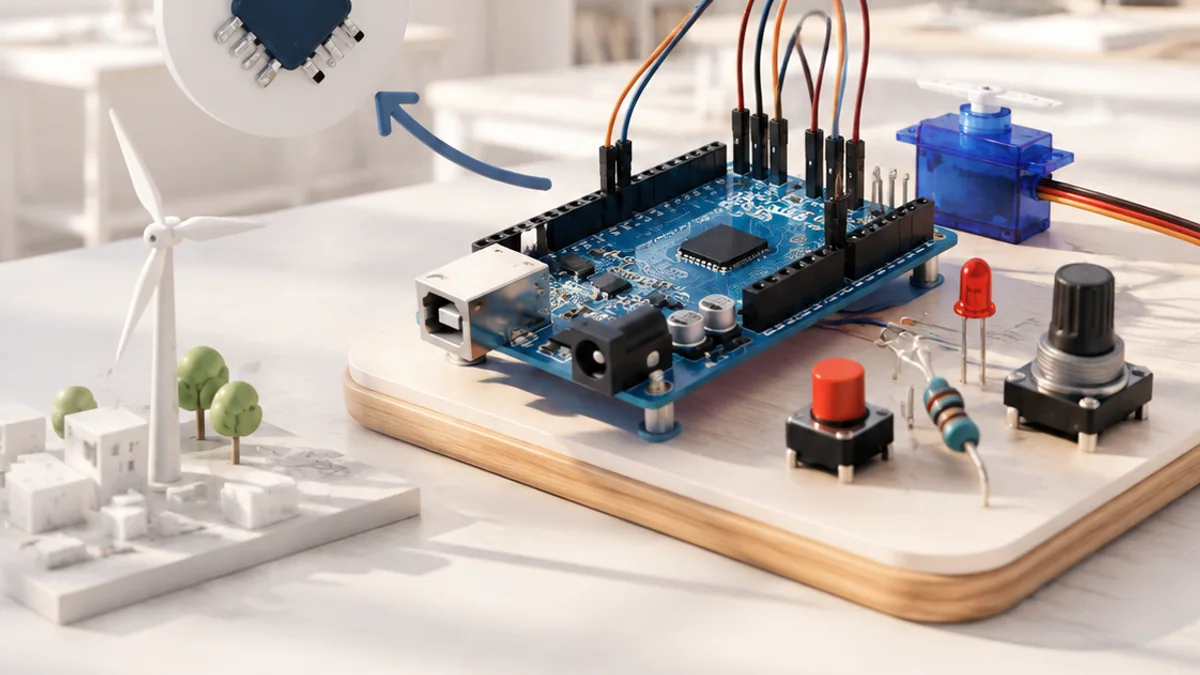
You can understand Internet of Things without treating it as magic or memorizing a long list of terms. Start with one simple mental model, connect each part to an everyday example, and then add the technical details that make the system dependable.
The big idea: An IoT system connects the physical and digital worlds: a sensor or actuator, computing, and a network all work together.
A useful connected device should still behave safely when Wi-Fi disappears or a message arrives late.
Why this matters
Connected devices can make buildings, farms and machines easier to understand—but only when the data journey is reliable, secure and respectful of people.
By the end of this guide, you will be able to:
- Trace data from a sensor to a user and back to an actuator
- Choose between local and cloud decisions
- Explain MQTT publish and subscribe
- Identify basic privacy, security and reliability needs
The goal is not only to recognize the words. It is to explain the system, predict what it will do, and design a small test that produces evidence.
1. The connected device
The question: What belongs inside an IoT system?
An IoT device interacts with the physical world through at least one sensor or actuator and connects to the digital world through a network interface. A complete product may also include a gateway, server, database and user interface.
Think of it like this: A school messenger gathers information in one room, follows a route, delivers it, and may bring an instruction back.
A concrete example
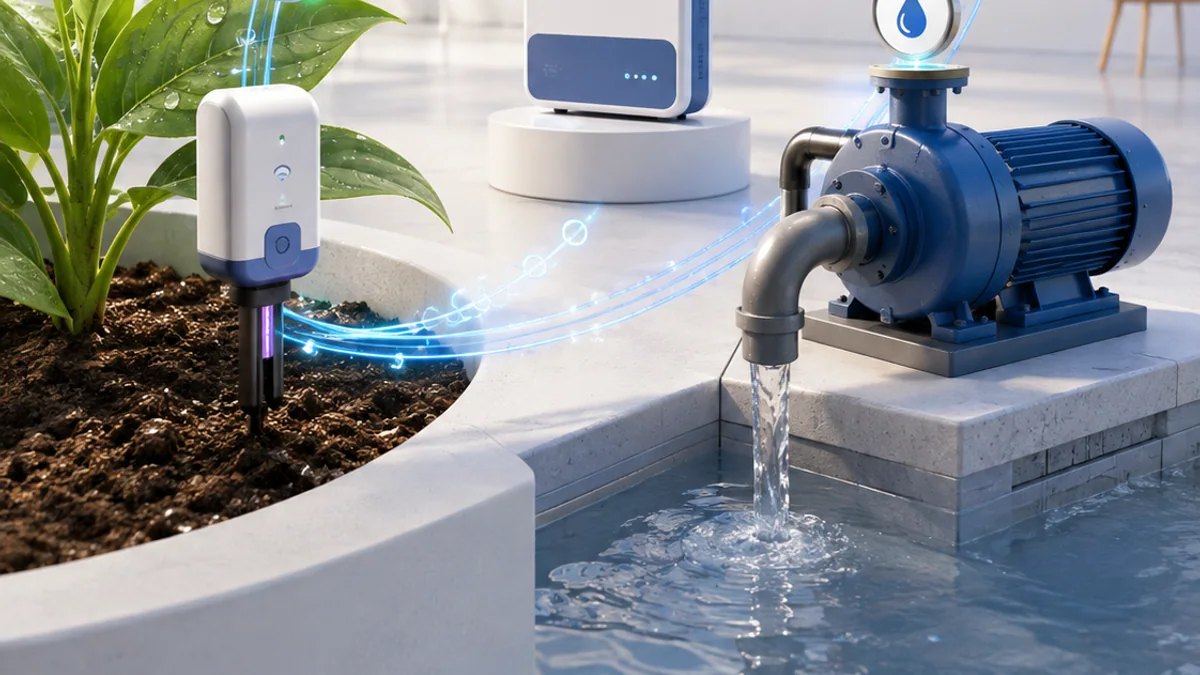
A soil-moisture probe, ESP32 and Wi-Fi connection form the device side of a plant-monitoring system.
The flow: Physical world → Connected device → Network → Application
Try it yourself
- Find three connected products around you.
- For each, name one sensor or actuator and one network.
- Decide what should happen if the network fails.
Quick check — Does a cloud dashboard alone make an IoT device?
No. The system also needs a device that interacts with the physical world and communicates through a network.
2. Messages and data journeys
The question: How does a tiny device share useful data?
Devices package readings into messages. MQTT commonly uses publish and subscribe: a device publishes to a named topic, and interested clients subscribe. A timestamp and unit make readings meaningful, while a sensible reporting rate avoids wasting bandwidth and power.
Think of it like this: A radio station broadcasts on a channel; listeners receive only the channels they choose.
A concrete example
A sensor publishes 31.4 with a timestamp to a temperature topic. A dashboard and an alert service can both subscribe.
The flow: Measure → Package message → Publish topic → Subscribers
Try it yourself
- Invent a topic name for classroom temperature.
- Write a sample message with value, unit and time.
- Choose how often it should be sent and explain why.
Quick check — Why include a unit with a sensor value?
Without a unit, a number such as 31.4 could mean degrees Celsius, volts or something else.
3. Local and cloud decisions
The question: Where should an IoT decision happen?
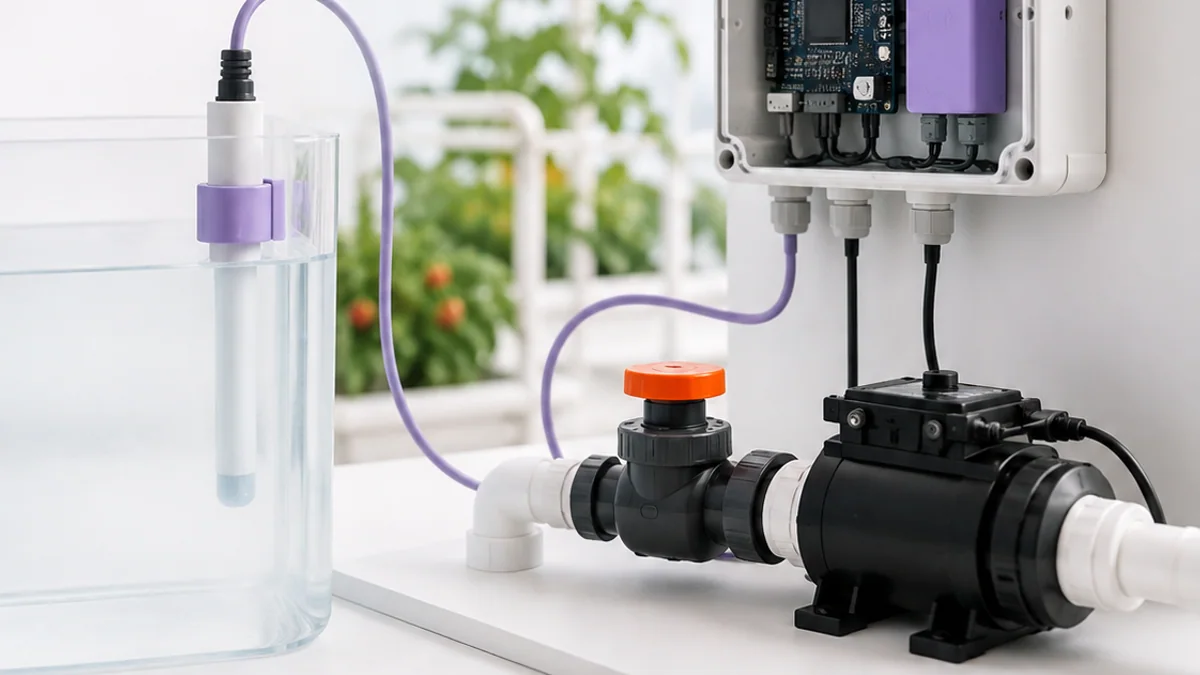
Local or edge decisions are fast and can work offline. Cloud decisions can combine history and many devices but depend on connectivity. Good systems keep urgent safety rules local and use the cloud for storage, analysis and remote access.
Think of it like this: You brake a bicycle yourself immediately; you do not phone someone far away and wait for permission.
A concrete example
A greenhouse controller stops a pump locally when the tank is empty, while the cloud stores daily moisture trends.
The flow: Reading → Local safety rule → Cloud analysis → Actuator
Try it yourself
- Classify four decisions as local or cloud: stop motor, make weekly chart, send alert, unlock emergency exit.
- Explain each choice.
- Add a safe fallback.
Quick check — Which decisions should usually remain local?
Time-critical or safety-related decisions that must still work during network failure.
4. Secure and reliable by design
The question: How do we keep connected devices trustworthy?
Security begins with unique device identity, controlled access, protected data, safe updates and clear support. Reliability also needs timeouts, validation and useful behaviour when messages are missing or unreasonable.
Think of it like this: A building needs named keys, locked doors, visitor rules, maintenance and an emergency plan.
A concrete example
Reject an impossible humidity reading, encrypt data in transit, change default passwords and stop watering after a maximum safe time.
The flow: Identify → Protect → Validate → Recover
Try it yourself
- Threat-model a connected door sensor.
- List what data it reveals and who should access it.
- Add one software update and one offline-recovery rule.
Quick check — Why are default shared passwords dangerous?
Anyone who knows the common password may gain access to every device that was not changed.
Put the ideas together: Design a smart classroom monitor
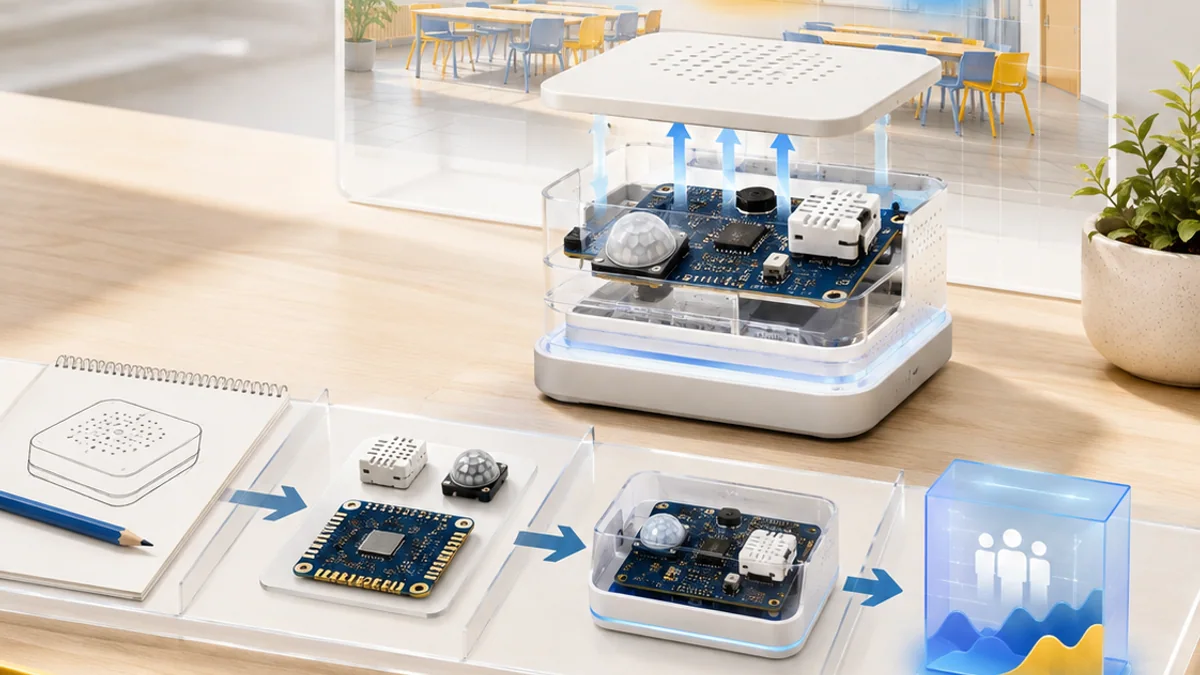
Design a system that measures temperature and room use without collecting unnecessary personal data.
Your build plan
- Choose sensors and justify each measurement.
- Draw device, network, storage and dashboard connections.
- Write local rules for warning and network failure.
- Create a privacy and update checklist.
Evidence to keep
- Architecture diagram
- Example message with unit and timestamp
- Failure-mode table
- Privacy explanation
An engineer does not stop at “it worked once.” Keep the diagram, record the conditions, repeat the test, and note what changed between attempts.
Important safety and quality notes
- Never connect classroom prototypes directly to mains voltage.
- Collect only the data the project needs.
- Use test credentials and never publish passwords or private keys.
The examples in this article are educational models. Check component ratings, manufacturer instructions, local rules and appropriate supervision before using real hardware.
Vocabulary without the jargon wall
| Term | Plain-language meaning |
|---|---|
| Transducer | A sensor or actuator that connects computing to the physical world. |
| Gateway | A device that connects local devices to another network. |
| MQTT | A lightweight publish-and-subscribe messaging protocol. |
| Topic | A named MQTT channel used to organize messages. |
| Edge | Computing performed close to the device or data source. |
| Fallback | A safe alternative behaviour when the normal service fails. |
What to remember
An IoT system connects the physical and digital worlds: a sensor or actuator, computing, and a network all work together. The professional habit behind the technology is equally important: define the result, observe the system, measure what happened, and improve one thing at a time.
Continue with the full Internet of Things learning path for the structured sessions, or explore the sources below when you are ready for deeper technical detail.
Sources and further learning
- IoT device definition and cybersecurity FAQ — NIST
- NISTIR 8259 IoT cybersecurity series — NIST
- MQTT specification — OASIS / MQTT.org