You can understand Raspberry Pi without treating it as magic or memorizing a long list of terms. Start with one simple mental model, connect each part to an everyday example, and then add the technical details that make the system dependable.
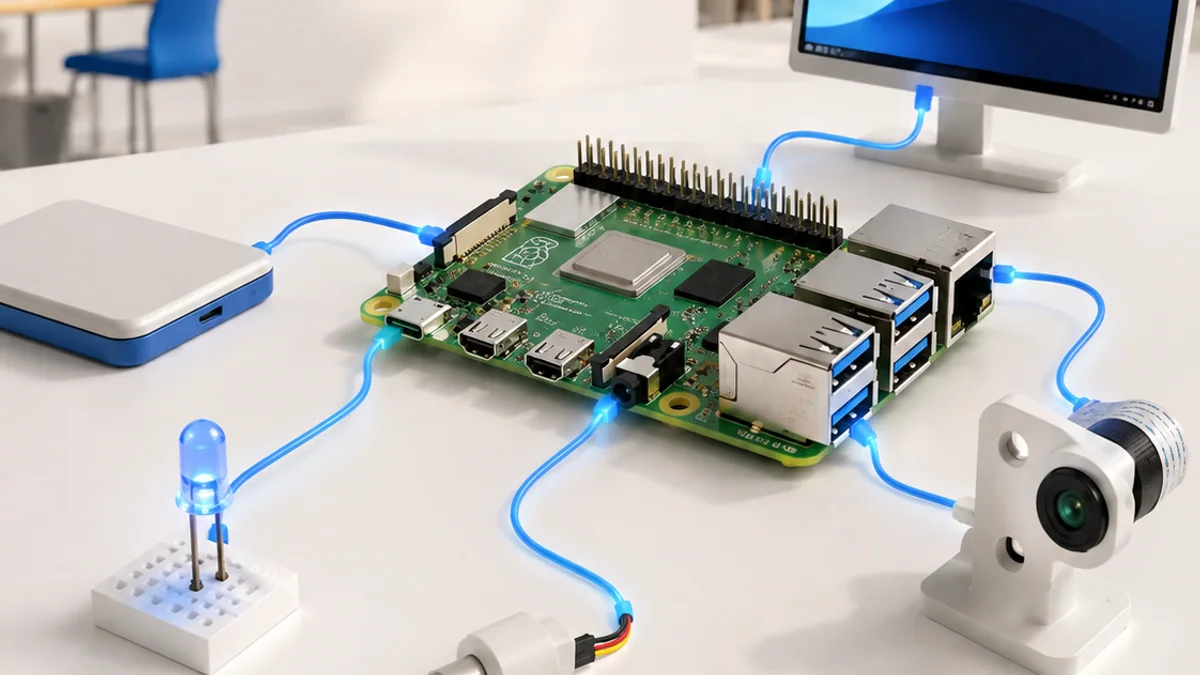
The big idea: A Raspberry Pi is a compact Linux computer that can run applications, use networks and interact with electronics through GPIO.
Treat it as both a computer and an electronics board: shut down the operating system correctly and protect its 3.3 V GPIO pins.
Why this matters
A Raspberry Pi can behave like a desktop computer and a hardware controller at the same time. That combination is valuable for cameras, dashboards, connected sensors and small edge-computing projects.
By the end of this guide, you will be able to:
- Distinguish a single-board computer from a microcontroller
- Prepare storage and navigate Raspberry Pi OS
- Use GPIO without exceeding electrical limits
- Design a small networked physical-computing service
The goal is not only to recognize the words. It is to explain the system, predict what it will do, and design a small test that produces evidence.
1. Computer or controller?
The question: How is a Raspberry Pi different from an Arduino-style board?
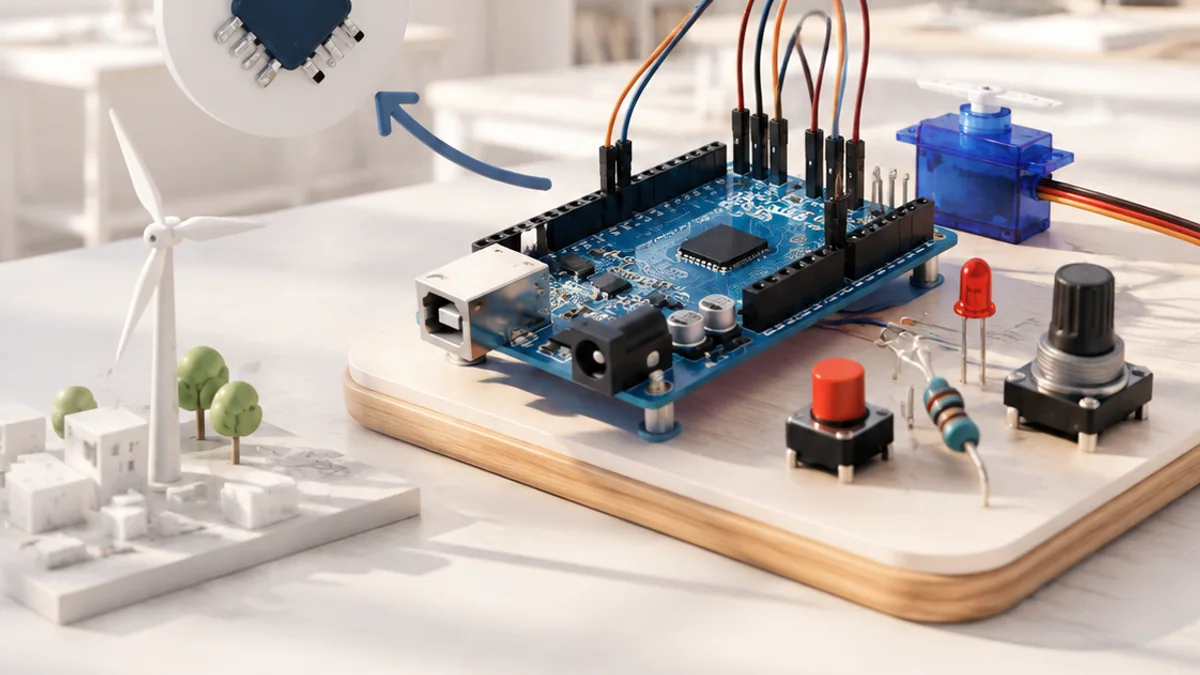
A Raspberry Pi single-board computer has a processor, memory, storage, operating system and multitasking applications. A microcontroller usually starts one dedicated program quickly and uses less power. Choose based on startup time, interfaces, power and software needs.
Think of it like this: A laptop manages many activities; a digital alarm clock performs one focused job immediately.
A concrete example
Use a Raspberry Pi for a camera web dashboard; use a microcontroller for a battery sensor that wakes briefly every minute.
The flow: Project need → Compare constraints → SBC or MCU → System choice
Try it yourself
- List five needs for a wildlife camera.
- Mark which need favours an SBC or MCU.
- Choose one and defend the trade-off.
Quick check — Why might a microcontroller suit a tiny battery device better?
It can use less power, start quickly and run one dedicated task without a full operating system.
2. Boot, Linux and the terminal
The question: What turns a bare board into a usable computer?
Boot media stores the operating system. After power-up, Linux manages files, users, programs and hardware. The terminal lets you express exact commands. Updates fix bugs and security issues; project dependencies should be kept separate when possible.
Think of it like this: The board is a stage, the operating system is the stage manager, and applications are the performers.
A concrete example
Create a project folder, enter it, list its files and run a Python script from the terminal.
The flow: Boot media → Linux starts → User session → Application
A small code example
mkdir sensor-project
cd sensor-project
python3 -m venv .venv
source .venv/bin/activate
Read it from top to bottom and ask what information enters, what rule is applied, and what result comes out.
Try it yourself
- Write what pwd, ls and mkdir do.
- Draw a folder tree for one project.
- Plan a safe shutdown before removing power.
Quick check — Why not simply unplug a running Raspberry Pi?
The operating system may still be writing data, so sudden power loss can corrupt files or storage.
3. GPIO and physical computing
The question: How can Linux software control real components?
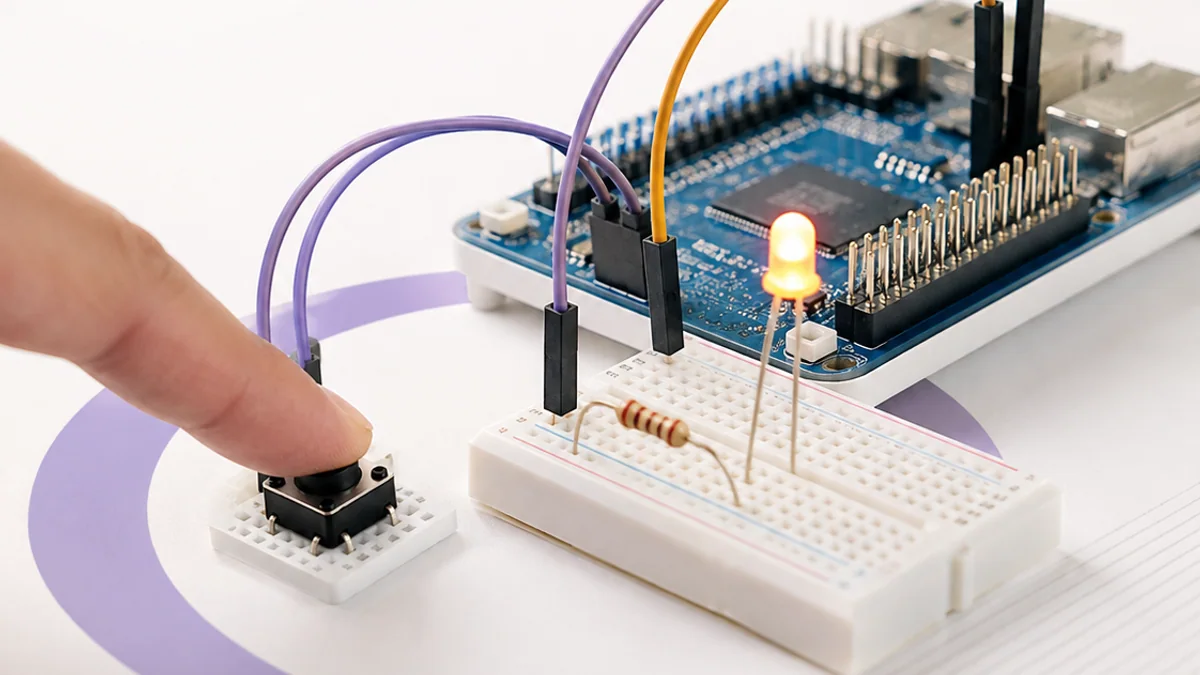
GPIO pins can be configured as digital inputs or outputs and some support alternate interfaces. Raspberry Pi GPIO uses 3.3 V logic. LEDs need resistors, motors need drivers, and 5 V must not be applied to a 3.3 V GPIO input.
Think of it like this: GPIO pins are small signal doors, not power sockets for large machines.
A concrete example
A Python program reads a push button and switches an LED through a resistor.
The flow: Physical input → 3.3 V GPIO → Python rule → Protected output
Try it yourself
- Use an official pinout to find ground and one GPIO.
- Draw an LED with a resistor.
- Have a partner check polarity before power.
Quick check — Can a motor connect directly to GPIO?
No. Use a motor driver and suitable power source; the GPIO provides only the control signal.
4. A networked edge project
The question: How can a Raspberry Pi turn measurements into a service?
A Pi can collect sensor or camera data, process it locally, store summaries and serve results over a network. Separate acquisition, processing and presentation so each part can be tested. Add authentication before exposing controls.
Think of it like this: A newsroom gathers reports, checks and edits them, archives the record, then publishes a clear update.
A concrete example
Read room temperature once a minute, store timestamped values and display only the latest value and a daily chart.
The flow: Acquire → Process locally → Store → Serve safely
Try it yourself
- Draw the four software parts.
- Define one input and output for each.
- Add a rule for sensor or network failure.
Quick check — Why separate data collection from the web page?
Each part becomes easier to test, replace and recover when a failure occurs.
Put the ideas together: Plan a classroom environment station
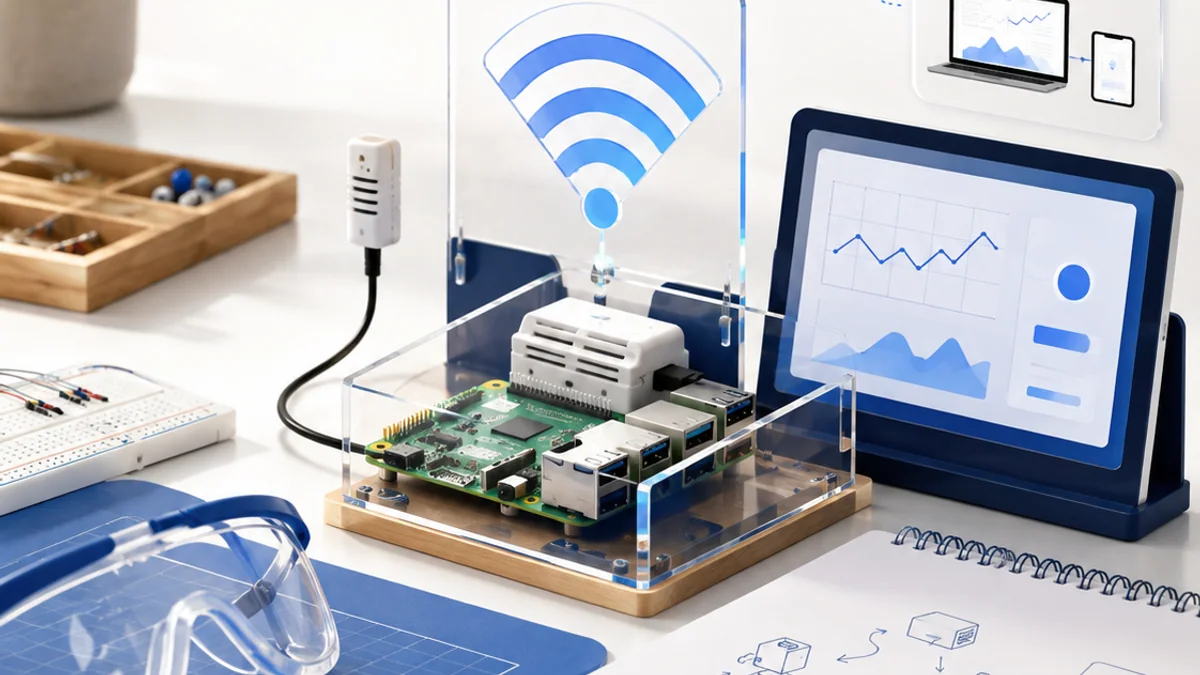
Design a Raspberry Pi station that records one environmental measurement and presents it safely on the local network.
Your build plan
- Choose one supported sensor.
- Draw safe GPIO or interface wiring.
- Separate acquire, process, store and display software.
- Define startup, shutdown and failure behaviour.
Evidence to keep
- System block diagram
- Pin and power plan
- Example data record
- Four test cases
An engineer does not stop at “it worked once.” Keep the diagram, record the conditions, repeat the test, and note what changed between attempts.
Important safety and quality notes
- Power off before connecting components.
- Raspberry Pi GPIO uses 3.3 V logic; never feed 5 V into a GPIO input.
- Use a driver and separate appropriate supply for motors and other high-current loads.
The examples in this article are educational models. Check component ratings, manufacturer instructions, local rules and appropriate supervision before using real hardware.
Vocabulary without the jargon wall
| Term | Plain-language meaning |
|---|---|
| SBC | A complete computer built on one circuit board. |
| Boot media | Storage containing the operating system used at startup. |
| Linux | The operating-system family used by Raspberry Pi OS. |
| GPIO | Pins software can use for general digital input and output. |
| Headless | Operating without a directly attached screen or keyboard. |
| Service | A program that provides a function to other programs or users. |
What to remember
A Raspberry Pi is a compact Linux computer that can run applications, use networks and interact with electronics through GPIO. The professional habit behind the technology is equally important: define the result, observe the system, measure what happened, and improve one thing at a time.
Continue with the full Raspberry Pi learning path for the structured sessions, or explore the sources below when you are ready for deeper technical detail.
Sources and further learning
- Getting started — Raspberry Pi
- Raspberry Pi hardware and GPIO — Raspberry Pi
- Raspberry Pi OS and Python — Raspberry Pi