You can understand Robotics without treating it as magic or memorizing a long list of terms. Start with one simple mental model, connect each part to an everyday example, and then add the technical details that make the system dependable.
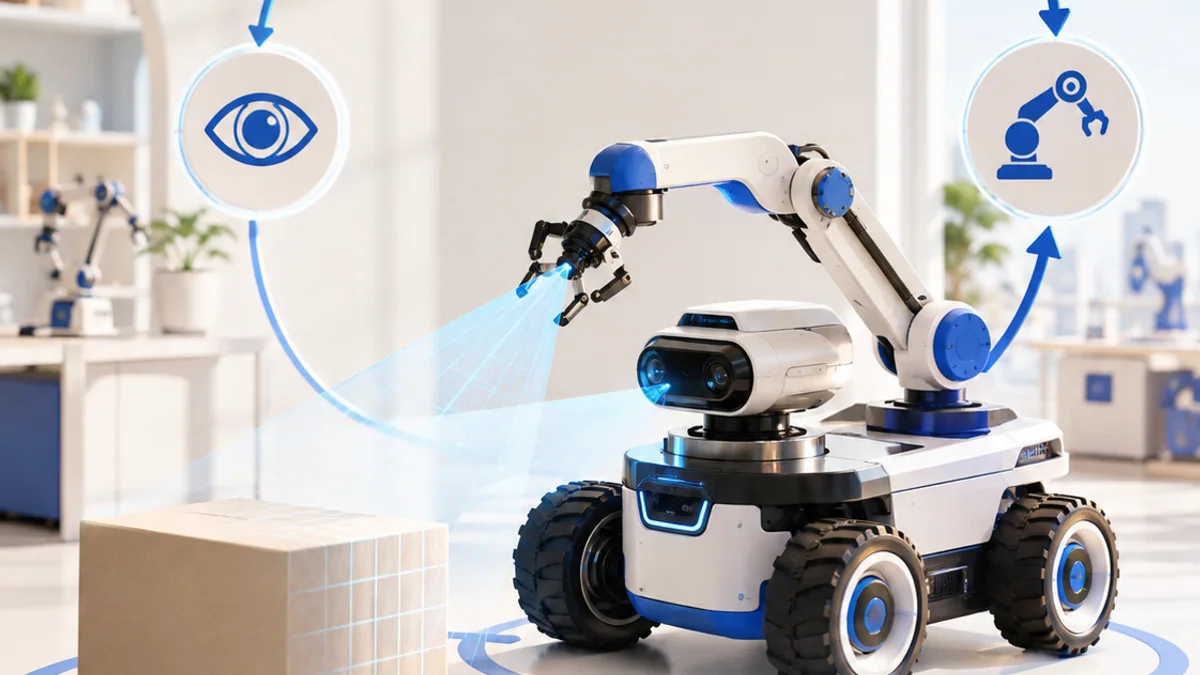
The big idea: A robot is a complete loop: it senses the world, decides what the information means, and acts safely.
You do not need an expensive robot to begin. Paper models, simulations and small motor kits can teach the same system ideas.
Why this matters
Robots are useful because they connect information to physical action. The same sense–decide–act pattern appears in warehouse machines, classroom robots, assistive devices and autonomous vehicles.
By the end of this guide, you will be able to:
- Identify the sensing, computing and acting parts of a robot
- Explain feedback using a simple control loop
- Plan a robot task as testable behaviours
- Measure whether the robot actually meets its goal
The goal is not only to recognize the words. It is to explain the system, predict what it will do, and design a small test that produces evidence.
1. Sense, decide, act
The question: What makes a machine a robot?
A useful robot has sensors that measure the environment, a controller that processes those measurements, and actuators that change the world. The controller repeats this loop many times each second. A remote-controlled car acts, but adding distance sensing and an automatic stopping rule makes it behave robotically.
Think of it like this: Think of crossing a road: your eyes sense traffic, your brain decides when it is safe, and your legs act.
A concrete example
A distance sensor measures 18 cm. The controller compares that value with a 25 cm safety limit and commands both wheel motors to stop.
The flow: Environment → Sensor reading → Decision rule → Motor action
Try it yourself
- Choose a familiar robot such as a vacuum or automatic door.
- List what it senses, what decisions it makes and what moves.
- Draw arrows to close the loop back to the environment.
Quick check — Why is a motor not a sensor?
A motor changes the physical world, so it is an actuator. A sensor measures the world and sends information to the controller.
2. Motion and mechanisms
The question: How does a robot turn electrical energy into movement?
Motors create rotation. Wheels, gears, belts and linkages transform that rotation into useful motion. Gear reduction trades speed for torque. Robot arms use joints, while mobile robots often vary the speed of left and right wheels to turn.
Think of it like this: A bicycle gear makes climbing easier by trading wheel speed for more turning force.
A concrete example
If the left wheel turns slowly and the right wheel turns quickly, a two-wheel robot curves left.
The flow: Electrical energy → Motor rotation → Mechanism → Robot motion
Try it yourself
- Roll two bottle caps together as model wheels.
- Hold one still while moving the other.
- Predict and sketch the direction the model would turn.
Quick check — What does gear reduction usually increase?
It usually increases torque while reducing output speed.
3. Feedback and control
The question: How can a robot correct its own mistakes?
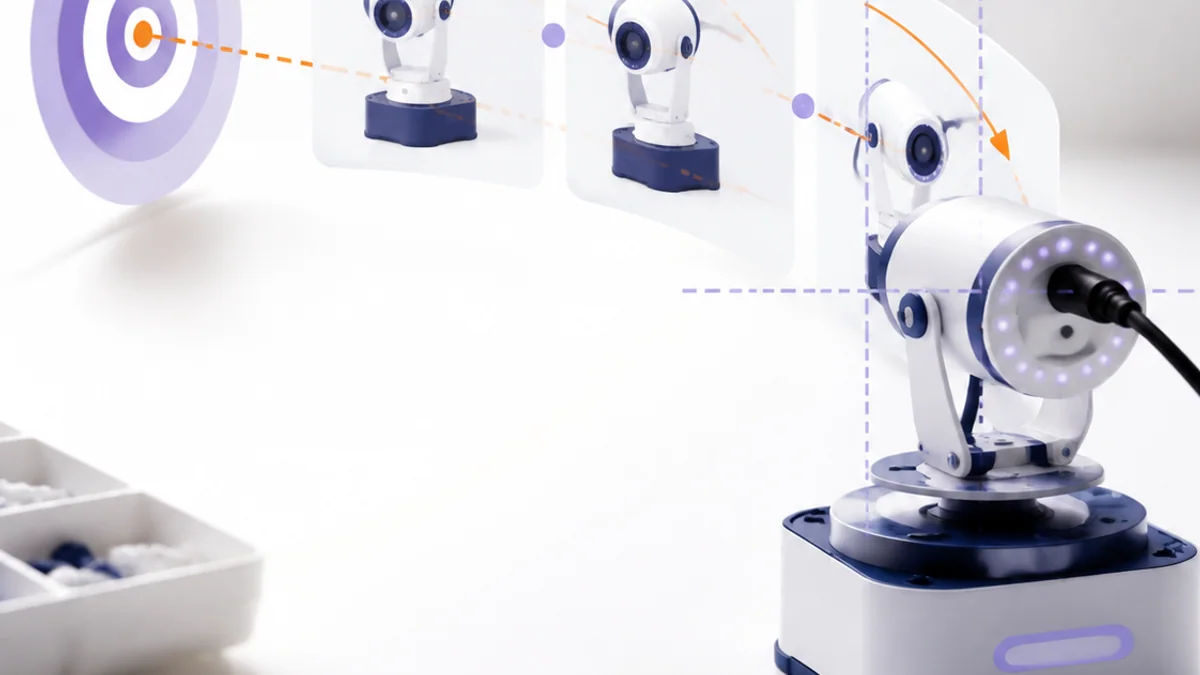
Open-loop control sends a command without checking the result. Closed-loop control measures the result, finds the error between target and measurement, then corrects the command. Feedback helps a robot handle slopes, battery changes and small disturbances.
Think of it like this: When steering a bicycle, you keep looking ahead and make many tiny corrections rather than choosing one handlebar angle forever.
A concrete example
A robot should face 90°, but its sensor reads 82°. The controller sees an 8° error and keeps turning until the error is small.
The flow: Target → Compare → Correction → New measurement
Try it yourself
- Ask a partner to draw a line while looking once, then while continuously looking.
- Compare the two results.
- Identify which attempt used feedback.
Quick check — What is error in a control loop?
Error is the difference between the desired target and the measured result.
4. Build and test behaviours
The question: How do engineers make a robot dependable?
Complex tasks become manageable when split into behaviours such as start, follow, avoid, stop and recover. Engineers define a measurable success condition, test one behaviour at a time, record failures, and change only one variable before testing again.
Think of it like this: A sports team practises passes and set plays separately before playing a full match.
A concrete example
For obstacle avoidance, define success as stopping at least 20 cm from a box in 9 of 10 trials on two floor surfaces.
The flow: Define success → Test one part → Record evidence → Improve
Try it yourself
- Write a four-state plan for a delivery robot.
- Add one failure case, such as a blocked path.
- Choose one number that proves success.
Quick check — Why change one variable at a time?
It makes the cause of an improvement or failure easier to identify.
Put the ideas together: Design a desk-delivery robot
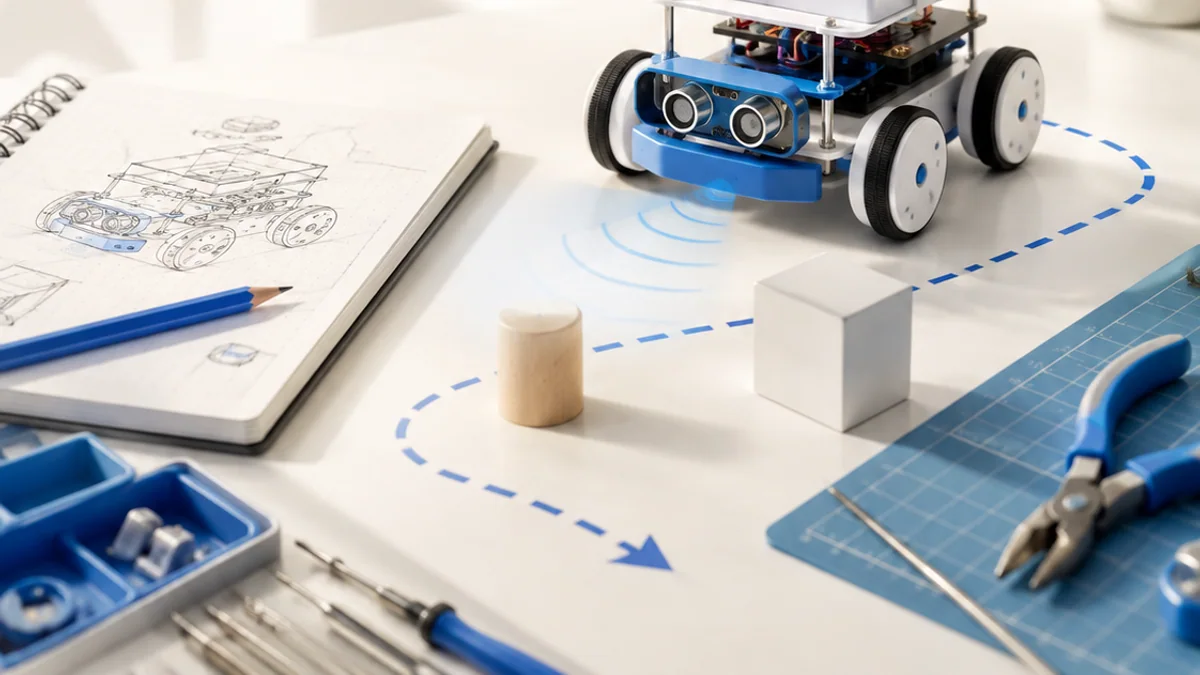
Plan a small robot that carries an object across a classroom desk without falling or hitting an obstacle.
Your build plan
- Draw the chassis and label sensors, controller, power and actuators.
- Create a sense-decide-act flow for edge and obstacle detection.
- Write four test cases, including one failure case.
- Build a paper model or simulate the route with a token.
Evidence to keep
- A labelled system diagram
- A behaviour flowchart
- A test table with measurable pass conditions
An engineer does not stop at “it worked once.” Keep the diagram, record the conditions, repeat the test, and note what changed between attempts.
Important safety and quality notes
- Disconnect power before changing wiring.
- Keep fingers, hair and loose clothing away from gears and wheels.
- Use low-voltage educational hardware and an appropriate motor driver.
The examples in this article are educational models. Check component ratings, manufacturer instructions, local rules and appropriate supervision before using real hardware.
Vocabulary without the jargon wall
| Term | Plain-language meaning |
|---|---|
| Sensor | A device that measures a physical quantity. |
| Actuator | A device that creates movement or another physical change. |
| Controller | The hardware and software that turns measurements into decisions. |
| Feedback | Using a measured result to correct the next action. |
| Torque | Turning force around an axis. |
| Behaviour | One testable robot action or response. |
What to remember
A robot is a complete loop: it senses the world, decides what the information means, and acts safely. The professional habit behind the technology is equally important: define the result, observe the system, measure what happened, and improve one thing at a time.
Continue with the full Robotics learning path for the structured sessions, or explore the sources below when you are ready for deeper technical detail.
Sources and further learning
- ROS 2 tutorials — Open Robotics
- ROS interfaces: topics, services and actions — Open Robotics
- NASA Robotics Alliance Project — NASA
See feedback correct an error
Move the target and measured-position sliders. The controller compares them and suggests the next correction.
Move a slider to explore the model.
Remember: this is a simplified learning model, not a hardware design or safety calculator. Real systems also include limits, noise, timing and failure handling.