You can understand ROS without treating it as magic or memorizing a long list of terms. Start with one simple mental model, connect each part to an everyday example, and then add the technical details that make the system dependable.
The big idea: ROS connects independent robot programs through named interfaces so a complex system can be built, inspected and replaced one part at a time.
ROS is middleware and tooling, not the robot’s operating system in the everyday desktop sense.
Why this matters
A modern robot contains many programs that must cooperate. ROS 2 provides shared patterns for connecting them, observing what they are doing and replacing one part without rewriting the whole machine.
By the end of this guide, you will be able to:
- Read a ROS computational graph
- Choose topics, services or actions for a task
- Explain frames and timestamped sensor data
- Use simulation, logs and command-line tools to debug
The goal is not only to recognize the words. It is to explain the system, predict what it will do, and design a small test that produces evidence.
1. Nodes and the robot graph
The question: Why split robot software into separate nodes?
A node is a running participant with a focused responsibility, such as reading a camera or controlling wheels. Nodes form a graph through interfaces. Smaller responsibilities make components easier to test, reuse and replace.
Think of it like this: A film crew has camera, sound, lighting and directing teams connected by clear communication.
A concrete example
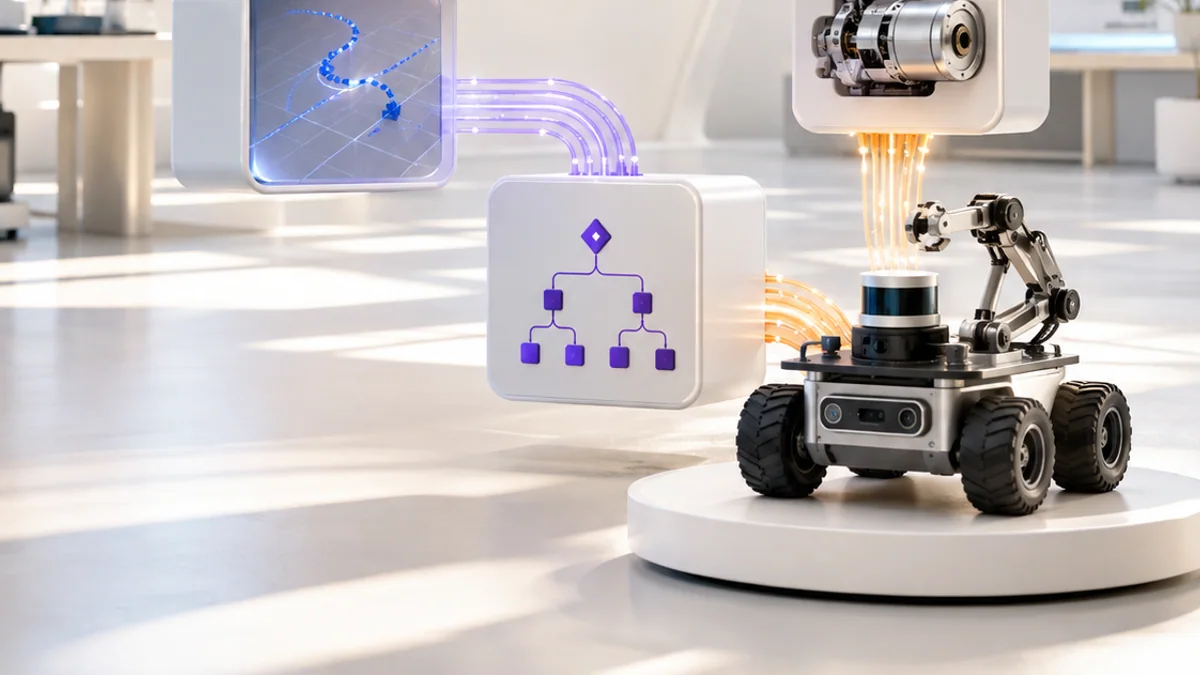
A camera node publishes images, a detector node interprets them, and a motor node accepts safe velocity commands.
The flow: Sensor node → Processing node → Decision node → Motor node
Try it yourself
- Draw four nodes for a line-following robot.
- Name each responsibility.
- Add arrows showing information direction.
Quick check — Should one node usually do every robot task?
No. Focused nodes improve testing, reuse and fault isolation.
2. Topics, services and actions
The question: Which ROS interface fits each kind of communication?
Topics carry ongoing one-way streams using publish and subscribe. Services handle short request-response work. Actions manage longer goals with feedback, a result and cancellation. Interface definitions keep message structure consistent.
Think of it like this: A radio broadcast is a topic, asking a desk for one fact is a service, and ordering a delivery with progress updates is an action.
A concrete example
Camera frames use a topic, resetting a map can use a service, and navigating to a goal uses an action.
The flow: Continuous stream → Quick request → Long goal → Feedback or result
Try it yourself
- Classify six robot communications.
- Explain one ambiguous choice.
- Add the expected data fields for one message.
Quick check — Why is navigation normally an action?
It takes time and benefits from progress feedback, a final result and cancellation.
3. Time and coordinate frames
The question: How do measurements from different sensors agree?
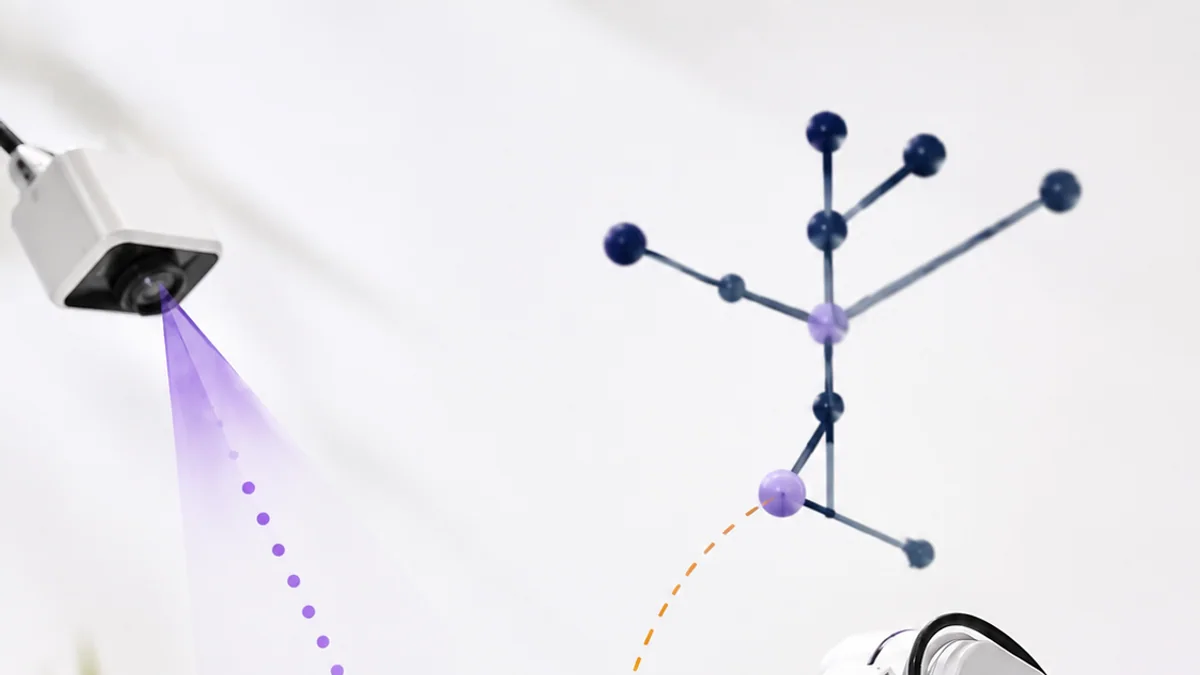
Sensor data is measured at a time and in a coordinate frame. Transforms describe how frames relate, such as camera to robot base and robot base to map. Using the wrong frame or stale timestamp can place an object incorrectly.
Think of it like this: “Two metres ahead” is incomplete until we know ahead of what and at what moment.
A concrete example
Transform a point detected in the camera frame into the robot base frame before planning an arm movement.
The flow: Sensor frame → Timestamp → Transform tree → Common frame
Try it yourself
- Draw map, robot and camera axes.
- Connect them as a tree.
- Describe what changes when the robot turns.
Quick check — What does a transform provide?
It describes the position and orientation relationship between coordinate frames.
4. Simulate, observe and debug
The question: How can we understand a distributed robot when something fails?
Start with the graph: confirm expected nodes, interfaces and message rates. Inspect data, logs, parameters and transforms before changing code. Simulation allows repeatable tests without risking hardware, but physical validation is still required.
Think of it like this: A doctor checks symptoms and measurements systematically before choosing a treatment.
A concrete example
If a robot does not move, check whether the command topic exists, messages arrive, safety node permits motion and motor controller reports faults.
The flow: Observe graph → Inspect messages → Isolate boundary → Retest
Try it yourself
- Create a fault tree for “robot does not stop”.
- List one observation at each system boundary.
- Choose a safe simulation test before hardware.
Quick check — Why inspect interfaces before editing code?
The fault may be missing data, naming, timing or configuration rather than the algorithm itself.
Put the ideas together: Architect a warehouse rover
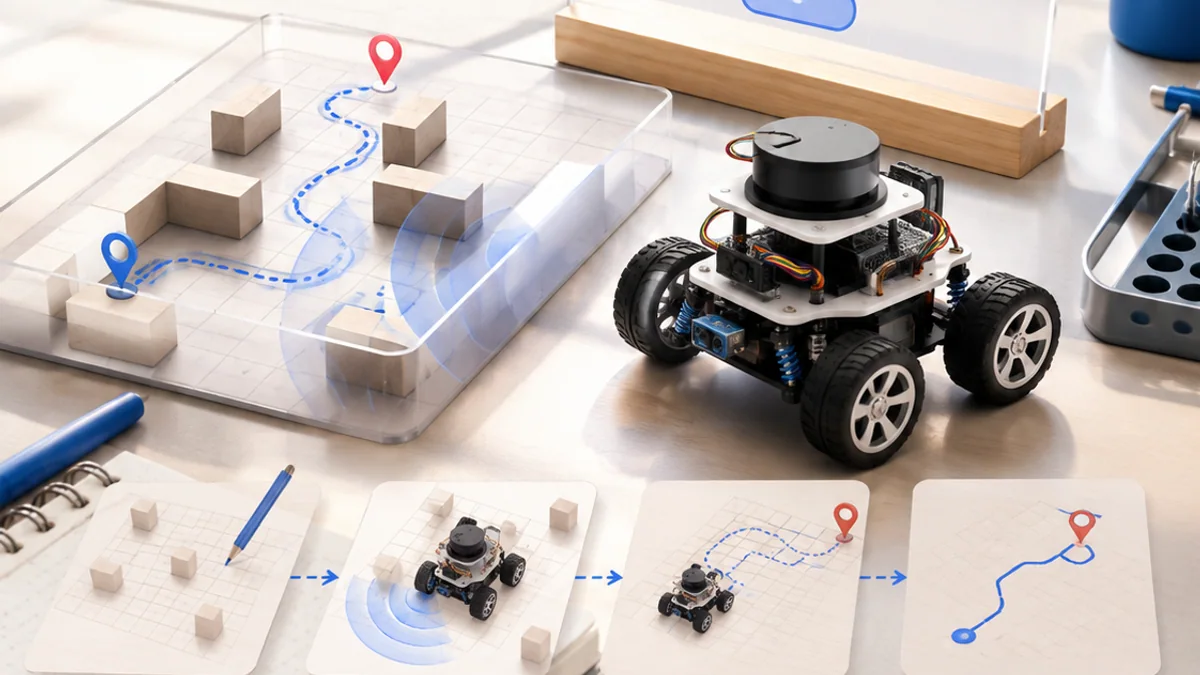
Design a ROS graph for a small rover that accepts a destination, avoids obstacles and reports progress.
Your build plan
- Define focused nodes and their responsibilities.
- Choose topic, service or action for each connection.
- Draw map, base and sensor frames.
- Create a debugging checklist for one failure.
Evidence to keep
- Node graph
- Interface table
- Frame tree
- Safe simulation test plan
An engineer does not stop at “it worked once.” Keep the diagram, record the conditions, repeat the test, and note what changed between attempts.
Important safety and quality notes
- Test motion logic in simulation first.
- Keep a physical emergency stop and supervised test area.
- Limit speed and acceleration during first hardware tests.
The examples in this article are educational models. Check component ratings, manufacturer instructions, local rules and appropriate supervision before using real hardware.
Vocabulary without the jargon wall
| Term | Plain-language meaning |
|---|---|
| Node | A running ROS participant with a focused role. |
| Topic | An asynchronous publish-and-subscribe data stream. |
| Service | A short request-response interaction. |
| Action | A longer goal with feedback, result and cancellation. |
| Frame | A named coordinate system. |
| Transform | The spatial relationship between two frames. |
What to remember
ROS connects independent robot programs through named interfaces so a complex system can be built, inspected and replaced one part at a time. The professional habit behind the technology is equally important: define the result, observe the system, measure what happened, and improve one thing at a time.
Continue with the full ROS learning path for the structured sessions, or explore the sources below when you are ready for deeper technical detail.
Sources and further learning
- ROS 2 tutorials — Open Robotics
- Topics, services and actions — Open Robotics
- ROS 2 concepts — Open Robotics